Plugin Manager 🧩
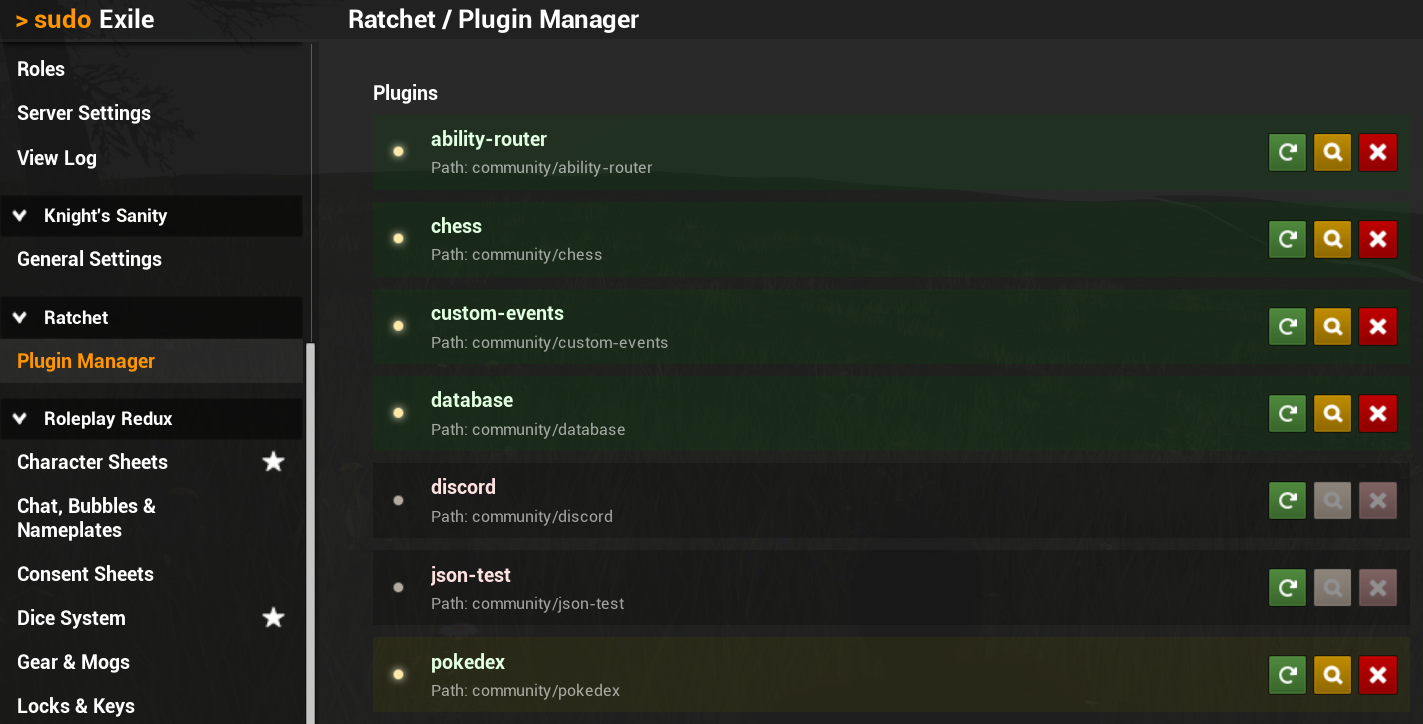
You can start, stop and reload plugins from the Sudo admin panel. Ratchet Plugin Manager section is available for those with Ratchet admin permission. From this panel, you can also toggle Hot Reload feature on individual plugins.
Chat Commands
Plugins can also be managed using the /ratchet chat command.
Try it for yourself to see a list of commands.
Logs
Ratchet log is displayed on the right side of the plugin manager.
This log is also shown in the console window of the server, and in the web API.
All logs are saved into text files that can be found in the ratchet directory.
Sandbox
Simple in-game editor called Sandbox is available under the /ratchet sandbox command.
This is useful for quick testing of Lua code, and uses separate permission in Sudo.
DANGER
Only grant this permission to people who you'd trust with full access to a server machine!
Sandbox code is executed on the server in a global environment and shouldn't be treated like a secure sandbox. Malicious actors could misuse this access to gain control over your machine.
If you don't trust Sudo permissions, or someone else has access to edit roles and permissions on your server, you can also completely disable Sandbox in Ratchet configuration to stay safe.